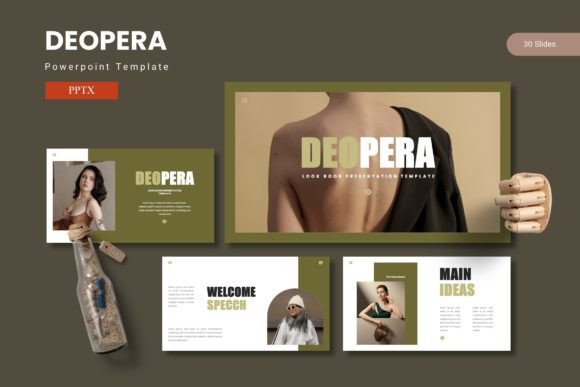
Deopera PowerPoint Template: Lead with Confidence
A compelling presentation does more than share information; it builds trust, tells a story, and drives action. Yet, building a slide deck from scratch is often a time-consuming struggle. You might have the data and the insights, but translating them into a visually cohesive narrative takes design skills many of us simply do not have. This is precisely where the Deopera PowerPoint Template steps in. It offers a complete ecosystem of 150 slides, carefully organized into 5 distinct color schemes, allowing you to create a professional presentation that resonates with your audience without requiring a background in graphic design.
Why a Pre-Built Deck Saves You Time and Effort
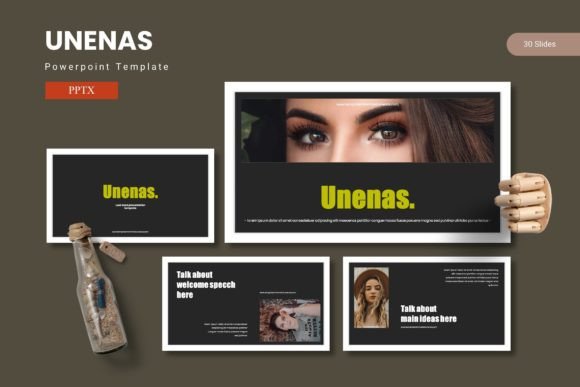
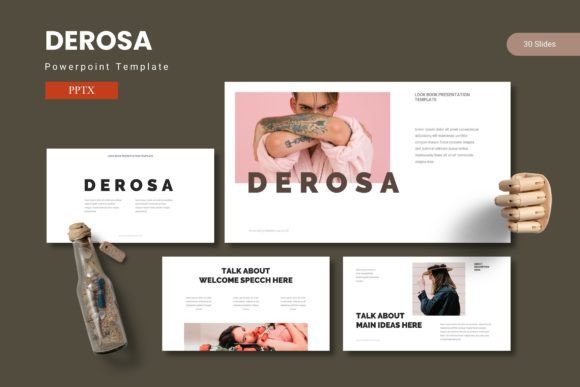
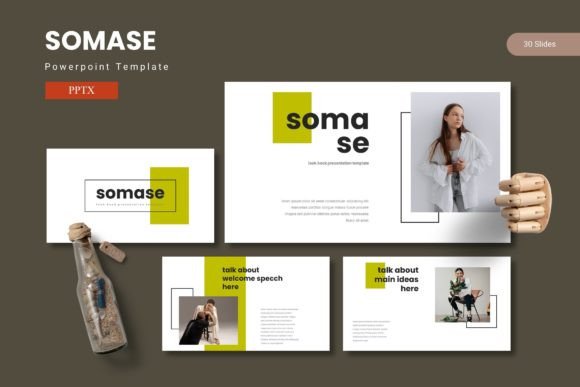
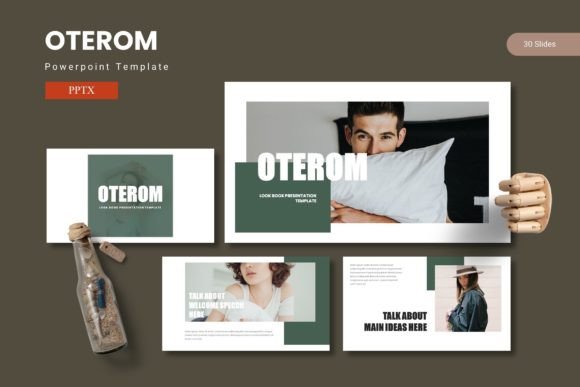
The core value of the Deopera template lies in its ability to eliminate the blank-page anxiety that so many presenters face. Instead of starting at zero, you open a file where the structure, styling, and visual hierarchy are already solved. You get 30 slides for each of the 5 premade color variations, giving you a complete deck tailored to your specific tone. Whether you need a calm, authoritative look for a financial review or a bright, energetic palette for a product launch, the choice is ready.
This variety is a practical time-saver. You do not need to manually recolor dozens of slides. The section break slides also help you organize your content into clear chapters. This is invaluable for longer presentations where you need to guide the audience through different topics. For a business owner preparing an annual report, this structure means you can focus on writing the actual content rather than fretting over whether the colors match.
Effortless Customization with Smart Features
What sets the Deopera presentation template apart is how it balances a polished out-of-the-box look with deep flexibility. It is built on PowerPoint’s Master Slides feature. For anyone who has struggled with formatting inconsistencies, this is a game changer. Edit the master slide once, and your font choices, background colors, and logo placements update across the entire deck instantly. This ensures a uniform, professional look with minimal effort.
The template also includes handcrafted infographics and pixel-perfect illustrations. In a world bombarded with data, a clear infographic helps your audience grasp complex information quickly. These graphic elements are not static images; they are fully resizable and editable. You can change colors to match your brand, adjust shapes to fit your data, and move elements freely. The picture placeholders are another standout feature. You simply drag and drop your images into the designated frames, and they slot perfectly into the design. This eliminates the annoying task of manually cropping and resizing photos, which is a huge relief for beginners and a welcome efficiency hack for seasoned users.
Finding the Right Fit for Your Project
Because the Deopera PowerPoint template offers 150 total slides, it is versatile enough for a wide range of scenarios. In a professional context, entrepreneurs and marketers can use the data comparison and timeline slides to pitch investors or lay out a quarterly strategy. The clean layouts ensure your graphs and statistics take center stage.
For educators and trainers, the template provides a clear, readable structure for lesson materials or workshop handouts. You can focus on making the content educational without worrying about the slides looking dated or messy. Creative professionals, such as photographers and designers, will appreciate the dedicated gallery and portfolio slides. These layouts are designed to showcase visual work beautifully, making them ideal for a client pitch or a personal brand kit. Bloggers and content creators can also repurpose their written articles into engaging slide decks for webinars, repurposing a single piece of content into a new, visual format that attracts a different audience.
Practical Tips for Getting the Best Results
To make the most of the Deopera template, a little preparation goes a long way. The main file includes a Readme First document, which contains crucial information about fonts and photos. The template uses specific typefaces to achieve its polished look. While many of these fonts are free for personal and commercial use, you will need to download and install them on your computer before the slides will render correctly. Skipping this step can lead to formatting issues.
You should also review the photo information. The demo images included are for illustration purposes only. To make the presentation truly yours, you will want to swap them out with your own high-resolution photos or properly licensed stock images. Finally, check your software compatibility. The template comes as a .PPTX file, which works seamlessly with modern versions of Microsoft PowerPoint. If you plan to use it with Google Slides or Apple Keynote, expect to do some minor adjustments, as the master slide functionality and some fonts may behave slightly differently. Keeping these points in mind will ensure a smooth workflow from the moment you open the file.
The Deopera PowerPoint Template gives you a solid foundation to build upon. It bridges the gap between a raw idea and a finished, impactful presentation. By handling the visual structure, it lets you concentrate on what truly matters: connecting with your audience and sharing your message with clarity and confidence.