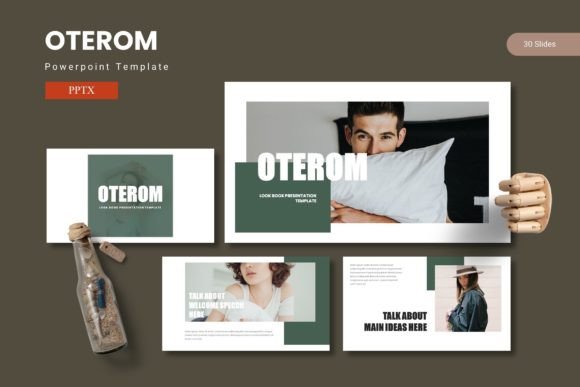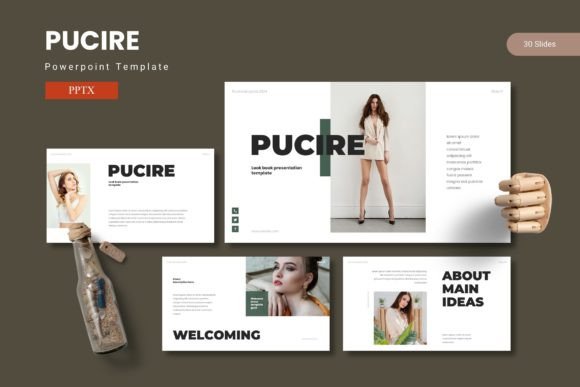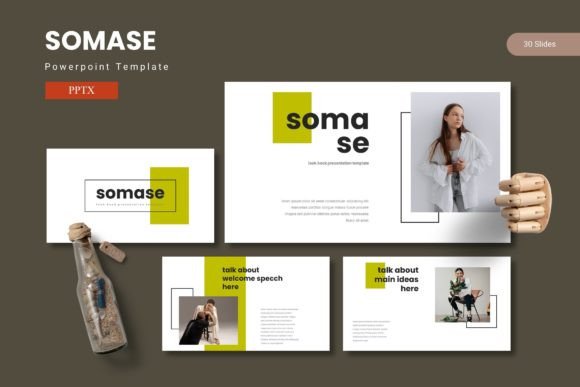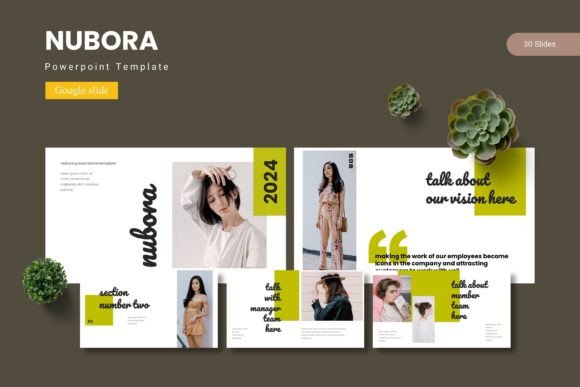
Muerasa PowerPoint Template: 150 Slides for Confident Presentations
Putting together a presentation that actually connects with people can feel like a lot of pressure. You need the right mix of data, visuals, and a clear message—all while keeping the audience engaged. This is where a well-designed template can make a real difference. Muerasa - Powerpoint Template offers a complete slide system built to help you share ideas with confidence. With 150 total slides across five color schemes and a focus on infographics, it is designed to save time while maintaining a professional look.
What Muerasa Brings to Your Workflow
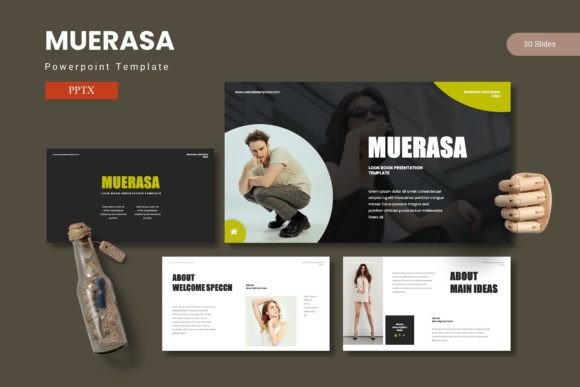
At its core, Muerasa is a PowerPoint template that includes 30 slides for each of the five color variations. That means you get a total of 150 slides, all built on master slides for easy editing. The template also features handcrafted infographics, pixel-perfect illustrations, and picture placeholders with drag-and-drop functionality. Every graphic element is resizable and editable, giving you full control over the final look. Additional assets like section break slides, gallery slides, and portfolio layouts mean the template works for more than just standard business decks.
Why Slide Variety Matters for Different Projects
Not every presentation needs the same structure. A pitch deck for investors looks different from a classroom lecture or a portfolio review. With 150 slides split into five color options, Muerasa lets you build a cohesive deck without starting from scratch each time. The section break slides help organize long presentations, while the gallery and portfolio slides are ready for visual-heavy content. For users who frequently switch between client work, internal updates, and public talks, having a flexible base reduces repetitive design work.
How Beginners Benefit from a Structured Starting Point
If you are new to creating presentations, the blank slide can be intimidating. Knowing where to place text, how to size images, or what color palette works together often slows down the process. Muerasa removes that guesswork. Because the template uses master slides, you can change the color scheme across all slides at once. The picture placeholders let you drag and drop your own images without worrying about alignment or cropping. For a beginner, this means the final product looks polished even if your design skills are still developing.
A freelancer creating their first client proposal might use the prebuilt infographics to present data clearly. A student preparing a class project could rely on the clean layouts to structure their argument. The key here is that you don't need to learn advanced PowerPoint techniques to get good results. The template handles the design constraints, so you can focus on your message.
Experienced Users and the Priority of Customization
For those who have used PowerPoint for years, the value of a template shifts. You likely already know how to format slides. What you need is efficiency and flexibility. Muerasa offers resizable and editable vector graphics, which means you can change colors, tweak sizes, and rearrange elements without losing quality. The five color variations give you a starting palette, but since everything is editable, you can match brand guidelines or experiment with your own scheme.
A marketing manager preparing a quarterly review might use the infographic slides to turn raw numbers into compelling visuals. A creator building a media kit could repurpose the portfolio slides to showcase work samples. For experienced users, the real time savings come from not having to build charts, diagrams, or image grids from scratch. You can open the template, swap in your content, and have a professional deck ready in a fraction of the time.
Infographics That Work for Data and Storytelling
One standout feature of Muerasa is its emphasis on handcrafted infographics. These are not generic chart templates. They are designed to help you combine data with narrative. Whether you are showing growth metrics, survey results, or a timeline, the infographic slides offer visual variety that keeps the audience interested. The pixel-perfect illustrations ensure that even after resizing, your slides look sharp on screens or projectors. For professionals who regularly present to clients or stakeholders, having reliable infographic slides reduces the risk of data being misunderstood or overlooked.
Business Owners and Entrepreneurs: Speed Meets Quality
Running a business means your time is split across many priorities. Spending hours formatting slides is rarely the best use of your energy. Muerasa is built for people who need to communicate an idea quickly without sacrificing visual quality. The folder structure includes clear organization, with the PowerPoint files, color scheme information, font details, and photo information all in one place. This makes it easy to hand the template off to a team member or designer if needed.
A small business owner pitching to a potential partner could pull together a deck in an afternoon. An entrepreneur preparing for a funding round might use the professional layouts to present financial projections alongside product photos. The gallery slides are particularly useful for businesses that sell physical products, as you can showcase multiple images in a clean grid. Because the template is based on master slides, any changes you make to the master will apply across the deck, which is a big time saver when you need to update branding or information later.
Educators, Bloggers, and Content Creators: Visuals That Support Learning
Presentations are not just for corporate meetings. Teachers, trainers, and online content creators also rely on slides to explain concepts and keep their audience engaged. Muerasa can work well in these contexts because the layouts are clean and the infographics help simplify complex information. The 150 slides give you room to build longer educational modules without running out of format options.
An educator preparing a workshop on financial literacy could use the infographic slides to break down budgeting concepts. A blogger creating a webinar presentation might use the portfolio slides to feature case studies or testimonials. The drag-and-drop picture placeholders make adding screenshots, photos, or diagrams quick and easy. For creators who publish their presentations online, the clean design helps maintain a professional image across different platforms.
Evaluating Long-Term Usefulness and Reliability
When investing in a template, it is reasonable to ask whether you will still use it a year from now. Muerasa is built on standard PowerPoint file formats (PPTX), which means it should work with any modern version of PowerPoint. The five color schemes give you options for different contexts, and the resizable illustrations mean you can adapt the template as your visual style evolves. For users who create multiple presentations per year, having a reliable template reduces the repetitive work of setting up slides from scratch. The inclusion of section break slides and gallery layouts also means the template can grow with you as your presentation needs become more complex.
Practical Considerations Before Choosing Muerasa
Every template has its strengths, and Muerasa is no exception. Here are a few things to consider based on your priorities:
- Ease of use: Beginners will appreciate the master slide structure and drag-and-drop placeholders. Advanced users will value the editable graphics and organized file structure.
- Flexibility: With 150 slides across five colors and multiple layout types (infographics, portfolios, section breaks), the template covers a wide range of presentation styles.
- Commercial value: For freelancers or small business owners who bill clients for presentation work, having a professional template can justify your pricing and reduce your production time.
- Creative control: All graphics are resizable and editable. If you prefer to customize colors, fonts, or layouts, you have full freedom to do so.
- Speed: The folder includes readme, font, and photo information so you can start working quickly. The prebuilt formats help you go from idea to finished deck in less time.
If your work involves regular presentations, Muerasa can serve as a solid foundation that saves you time and keeps your slides looking consistent. On the other hand, if you only need a single deck for a one-off event, a template with fewer slides might feel like more than you need. Consider how often you present and whether the variety of layouts will serve you over the long term.
Does Muerasa Match Your Goals and Skill Level?
The answer depends on what you want from a presentation. If you are a beginner looking for a template that does the heavy lifting, Muerasa provides clear structure and professional finishes without requiring design experience. If you are an experienced user looking for customizable assets, the editable graphics and five color schemes offer a strong base for your own modifications. For business owners and entrepreneurs, the speed and polish are practical assets. For educators and content creators, the infographic and gallery slides support visual storytelling and audience engagement.
When you open the template, you will find five PPTX files, each with its own color scheme, along with 30 slides per file. The folder also includes font recommendations and photo credits, so you have everything needed to start building. The section break slides make it easy to segment longer presentations, and the portfolio and gallery slides add versatility for projects that require more visual emphasis.
Ultimately, Muerasa - Powerpoint Template is a tool designed to reduce the friction between your ideas and the finished presentation. Whether you are preparing for a client meeting, a classroom, or a public talk, having a set of reliable, editable slides gives you one less thing to worry about. The confidence to present comes from knowing your visuals support your message, not distract from it.