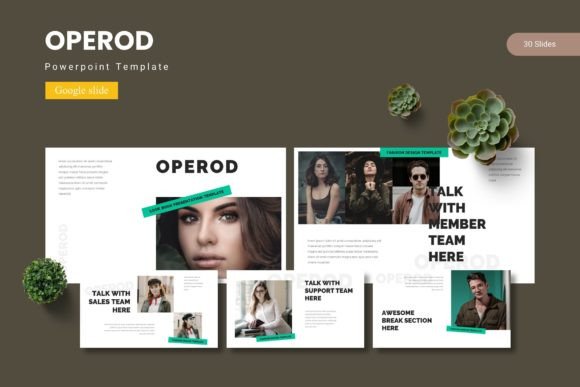
Operod - Google Slide Template: A Versatile Presentation Solution for Professionals and Creators
Presentations remain a core tool for communicating ideas, pitching products, teaching concepts, or sharing reports. Yet many professionals find themselves stuck between either using default templates that look generic or spending excessive time designing slides from scratch. Operod - Google Slide Template attempts to bridge that gap by offering a substantial library of slides that balance visual polish with practical flexibility. After working with this template across several presentation types, it is worth examining what it actually delivers, who it serves best, and where it may fall short.
What Operod - Google Slide Template Offers
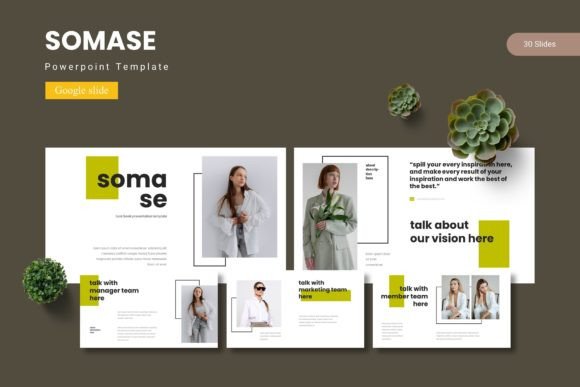
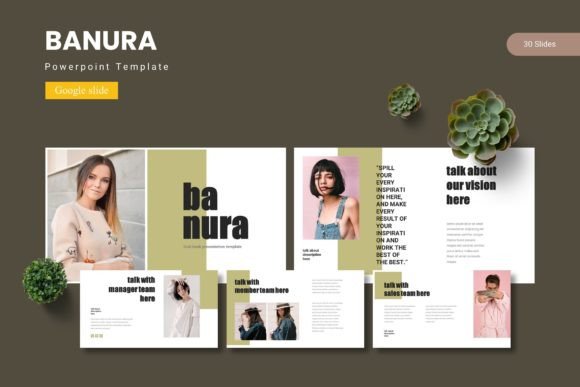
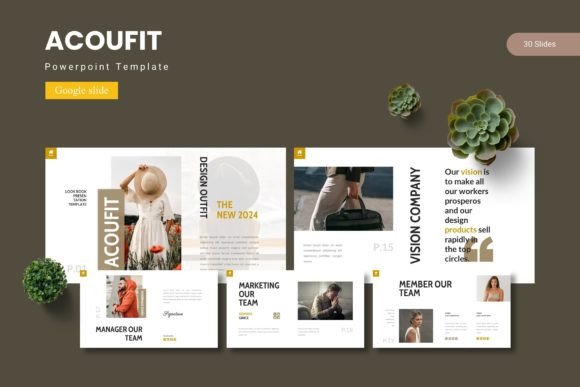
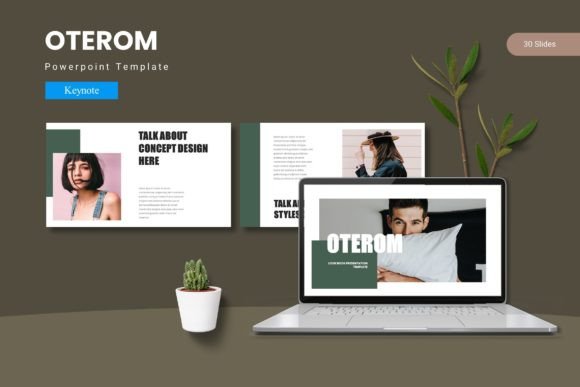
Operod is a Google Slide template built around modularity and visual consistency. It includes 150 total slides spread across five premade color variations. Each color set contains 30 slides, meaning you can maintain a cohesive look throughout a presentation without needing to manually adjust colors or formatting. The template also includes section break slides, which help organize longer presentations into clear segments—useful for decks that move from one major topic to another.
The file package comes with five PPTX files and corresponding Google Slide versions, along with a dedicated folder containing the color schemes, a readme file, font information, and photo credits. This structure makes it straightforward to open, customize, and adapt the template regardless of whether you work in Google Slides or prefer PowerPoint for local editing.
Slide Variety and Structure
One of the stronger aspects of Operod is the range of slide layouts included. Beyond standard title and content slides, the template offers handcrafted infographics, gallery and portfolio slides, and picture placeholders that allow drag-and-drop image insertion. This is particularly valuable if your presentation relies on visuals—product shots, team photos, screenshots, or portfolio pieces—because you can swap images without disturbing the overall design. The pixel-perfect illustrations are fully resizable and editable, which gives you control over sizing and placement without losing quality.
The master slide foundation means that global changes—like updating a font or shifting a logo position—can be applied once and propagate across all slides. For professionals who need to produce consistent decks regularly, this feature reduces repetitive manual work.
Strengths That Matter in Real-World Use
Having tested Operod for both a client pitch deck and an internal team presentation, several strengths emerged that are worth highlighting for anyone evaluating this template.
Visual Consistency Without Repetition
Many templates offer a handful of slide layouts, which forces you to reuse the same design repeatedly. Operod provides 30 unique slide designs per color scheme. That variety allows you to present different types of information—data charts, timelines, team introductions, quote slides, process flows—without the audience feeling like they have seen the same slide five times. This is especially important for longer presentations where visual monotony can cause attention to drift.
Efficient Color Customization
The five premade color schemes are not just superficial overlays. Each scheme is applied consistently across all 30 slides in that set. If you match one of the schemes to your brand colors, you can save significant time. Alternatively, if you need a custom color palette, the master slide structure makes it relatively simple to replace colors globally, provided you have basic familiarity with Google Slides editing tools. For small business owners, freelancers, or marketers who do not have a dedicated design team, this balance between ready-to-use and customizable is a practical advantage.
Infographic and Data Presentation
Handcrafted infographic slides are often a weak point in template packs—either too generic to be useful or too complex to edit cleanly. Operod handles this well. The infographics are built from editable shapes and text boxes, so you can adjust data points, labels, and percentages without breaking the design. For educators, consultants, or anyone who needs to present survey results, metrics, or comparative data, these slides provide a more engaging alternative to a simple bar chart or table.
Practical Value for Different Audiences
Understanding who benefits most from Operod helps clarify whether it fits your specific needs.
Entrepreneurs and Small Business Owners
If you regularly pitch to investors, partners, or clients, your presentation deck is often the first impression of your business. Operod gives you a professional look without requiring a designer. The portfolio and gallery slides are particularly useful for product-based businesses or service providers who want to showcase previous work. You can drop in images, adjust text, and have a polished deck ready in a few hours rather than several days.
Marketers and Content Creators
Marketers who create presentations for webinars, client reports, or internal strategy meetings will appreciate the volume of slides. Having 150 slides across five themes means you can produce multiple presentations from a single template purchase—one for a quarterly review, another for a campaign proposal, and another for a team workshop—without repeating the same look. The drag-and-drop image placeholders also speed up workflow when working with asset libraries or client-provided visuals.
Freelancers and Consultants
Freelancers who juggle multiple clients need templates that can adapt to different brand guidelines. While Operod includes five specific color schemes, the underlying structure allows you to swap colors manually for client-specific needs. The inclusion of PPTX files is a practical bonus here, since many clients prefer working in PowerPoint. You can edit in PowerPoint and then upload to Google Slides for collaboration, or vice versa.
Publishers, Bloggers, and Educators
For bloggers and educators who create slide decks for online courses, workshops, or webinars, visual engagement is key to maintaining audience attention. The gallery slides, section break slides, and infographics help break up text-heavy content. The template also supports longer-form presentations, so you can build a full course module or workshop deck without running out of layout options.
Usability and Workflow Considerations
Operod is designed for users who have at least basic familiarity with Google Slides or PowerPoint. If you have never edited a master slide or replaced a placeholder image, you may need to spend a short time learning the mechanics. However, the included readme file provides guidance, and the template structure itself is intuitive enough that most users will be productive within the first session.
The drag-and-drop image placeholders work as expected. You simply click the placeholder, select your image, and the design adjusts. The pixel-perfect illustrations scale cleanly, which is important when presenting on different screen sizes or resolutions. No noticeable lag or rendering issues occurred during testing, even with multiple high-resolution images inserted.
One workflow detail worth noting: because the template includes five separate color variations, you should decide on your color scheme early. Switching between schemes mid-project can be cumbersome since each scheme is a separate file. The better approach is to pick the closest match to your brand or project theme before you begin populating slides with content.
Possible Limitations
No template is without trade-offs, and Operod has a few worth considering.
The template includes 150 slides, but not every slide will be useful for every presentation. Some layouts are designed for very specific use cases like portfolio galleries or team introductions. If you are building a data-heavy quarterly report, you may find yourself using only a subset of the available slides, while the gallery and portfolio slides go unused. This is not a flaw, but it means the value-per-slide ratio depends heavily on the type of content you produce.
For advanced users who want highly unique or unconventional layouts, the template follows a fairly structured design system. You can customize colors, text, and images, but the underlying grid and composition remain consistent. If your presentation requires a completely bespoke visual language, you may find the template too restrictive. Operod is built for polish and efficiency, not for radical creative experimentation.
Additionally, while the template works in both Google Slides and PowerPoint, some transitions and animations available in PowerPoint may not transfer seamlessly to Google Slides. If your presentation relies on specific motion effects, test those elements early in your workflow.
Long-Term Value and Reusability
For professionals who create presentations regularly, Operod offers solid long-term value. Because you receive five distinct color schemes with 30 slides each, you can produce a substantial number of decks before the template feels stale. The master slide foundation also means that future edits or updates to brand colors can be applied efficiently.
Compared to hiring a designer for a custom deck, the cost of the template is negligible. And compared to using default Google Slides templates, the visual quality and layout variety are notably higher. If you value time savings, professional consistency, and the ability to quickly produce multiple presentations, this template delivers on those fronts.
Who Should Choose Operod
Operod - Google Slide Template is best suited for professionals who need a reliable, visually consistent base for presentations and who benefit from having multiple ready-to-use layouts. Entrepreneurs pitching to investors, marketers preparing client decks, freelancers managing diverse brand needs, and educators building course materials will all find practical applications.
If you tend to create short, informal presentations or prefer to build every slide from scratch for maximum uniqueness, this template may feel overly structured. But for the majority of users who want to save time without sacrificing visual quality, Operod strikes a reasonable balance. It is a tool designed to be used, not just admired, and that practical orientation makes it a worthwhile asset in any professional's presentation toolkit.